Why WordPress creates more pages than you expect
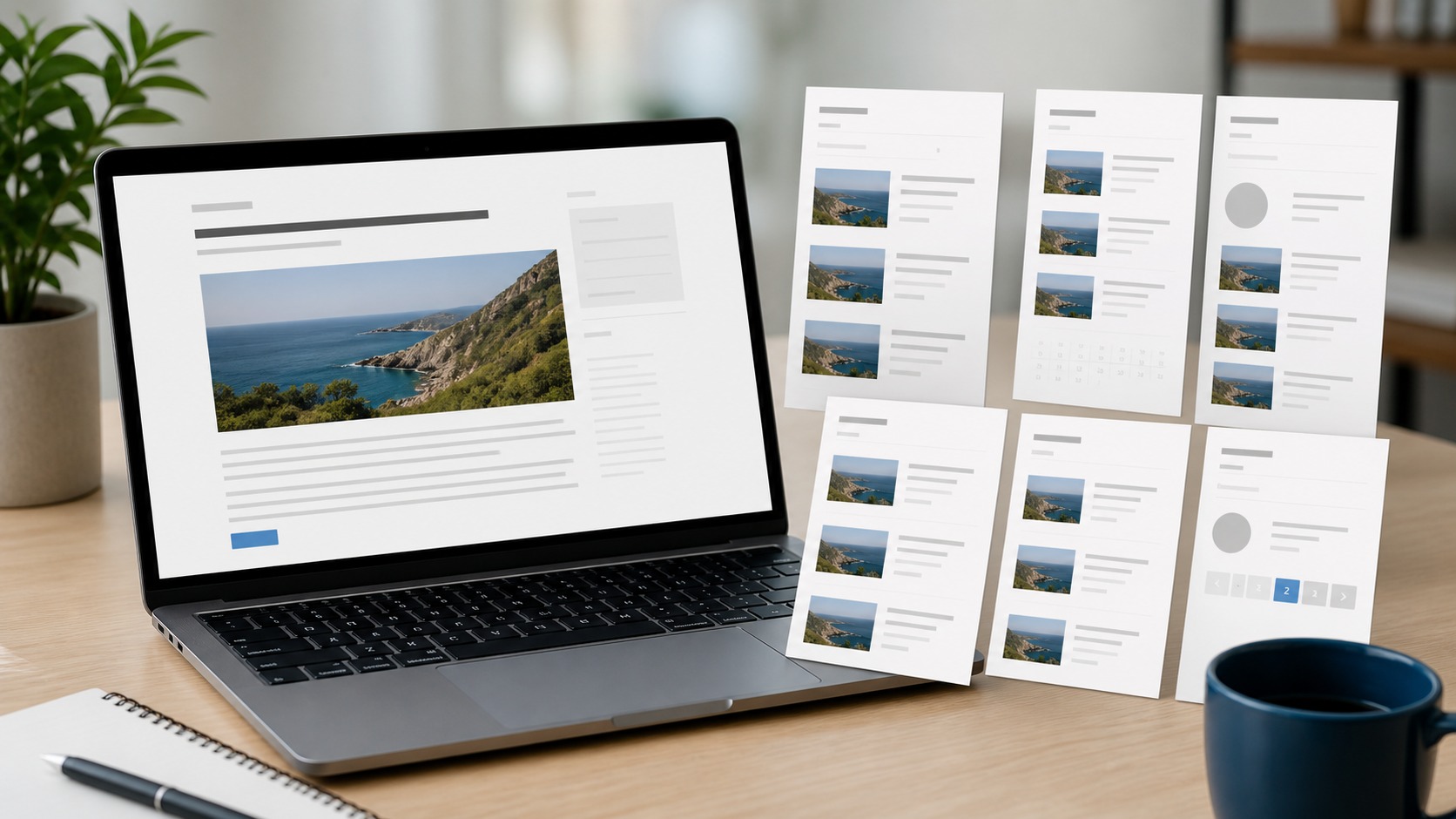
WordPress can publish one post and still make that same post reachable from many different URLs.
You have the main permalink for the post, but WordPress also builds archive pages for categories, tags, authors, and dates.
If your theme shows the full post on those archive pages, the same text appears in several places.
Even if it shows excerpts, the same titles, images, and intro text can repeat across archive pages.
This duplication also shows up through pagination.
Your blog home page can list posts on page 1, then repeat overlapping sets across /page/2/ and beyond.
Search pages can repeat those same posts again under a query URL like /?s=keyword.
The result is that WordPress “creates” far more indexable pages than the number of posts and pages you wrote.
The next section explains how archives work under the hood.
How WordPress archives replicate post content across multiple endpoints

WordPress works like a routing system that answers many different requests with the same set of posts.
You can browse by time on the blog index, by topic on category and tag archives, by writer on author archives, and by calendar on date archives.
Each path points to overlapping collections, so one post can appear on the blog home, inside one or more categories, inside several tags, under its author, and inside a month or day archive.
Whether this becomes “duplicate content” depends on what each archive page outputs.
Some themes print the entire post content on archives, which can replicate large blocks word-for-word.
Other themes print excerpts, which reduces exact repetition but still repeats key elements like headings, featured images, and internal links.
Feeds can add more endpoints that echo the same items, and search result pages can surface the same post list under many query URLs.
In this model, the “one true URL” is the permalink for the post, which should also match the canonical URL signal that tells search engines which version you consider primary.
The next section explains how search engines usually respond when they find these overlapping pages.
How search engines typically treat these duplicates (selection, not automatic penalty)

When search engines crawl WordPress archives and permalinks, they often pick one version to index and filter the rest.
In many cases, they choose the permalink because it looks like the most specific page for the content.
This behavior means you do not always see a ranking drop that looks like a penalty, even when the duplication is real.
Still, SEO tools can flag the pattern.
In Google Search Console, you may see statuses like “Duplicate without user-selected canonical” or “Duplicate, submitted URL not selected as canonical.”
Even if ranking does not change, duplicate archive URLs can split attention between pages, and crawlers can spend time on low-value pages instead of new or updated posts.
Those risks point to practical controls that keep archives useful for navigation without letting them compete with the main post URLs.
Excerpts, canonical handling, and “follow but not indexed” for archives

You can reduce duplication by changing what archive pages display.
When you show excerpts instead of full posts on category, tag, author, and date archives, you avoid copying the entire post content onto many archive URLs.
You can also write custom excerpts so the archive snippet differs from the first paragraph of the post.
Canonical tags provide a second layer of control.
A canonical tag tells search engines which URL represents the main version of a page.
For posts, that should point to the permalink.
For archive pages, canonicals usually point to themselves, because an archive is its own page, but you still want the post pages to remain the primary target for the post text.
A common approach for low-value archives is robots meta “noindex, follow.”
“Noindex” asks the crawler not to store that archive in the index, while “follow” lets it crawl the links on the page and still discover posts.
Relying on nofollow alone does not solve indexing duplication because a nofollow setting does not guarantee a page stays out of the index.
Many sites use SEO plugins such as Yoast SEO, Rank Math, or All in One SEO to set noindex on taxonomies and archives, and that creates a decision about what to index and what to keep out.
Index vs noindex archives, sitemap submissions, and blocking/redirect choices

Start by deciding which archive pages serve a purpose for you and your readers.
If a category page has a clear theme and you add a unique description at the top, you may keep it indexable.
If tag pages exist because tags accumulate without a plan, or if you run a single-author blog where author archives add no value, you can set tag, author, and date archives to noindex, follow.
Make sure your site has one preferred version for the domain and protocol.
Pick https and pick either www or non-www, then use redirects and consistent canonicals so only that version remains indexable.
After that, review your XML sitemaps.
If your sitemap includes tag or category URLs and they trigger duplication reports, you can stop submitting those sitemap sections and submit only posts and pages, while still allowing archives to exist for navigation.
If you do not want archives crawled at all, you can disallow paths like /tag/ and /category/ in robots.txt, but note that disallow blocks crawling and can limit the discovery of posts through those pages.
For unusual archive-like URL patterns that should not exist, such as repeated /page/0/ segments, you can redirect them to the nearest valid page or return a clear 404, then confirm in Google Search Console by comparing expected index counts and watching duplicate reports over time.
This closes the loop on how these WordPress URLs behave in practice.
Frequently Asked Questions
Search Console suddenly reports thousands of archive URLs. What should I audit first?
Group the URLs by category, tag, author, date, search, and pagination patterns before changing any settings.
Compare each group with the permalink and current canonical, robots, and sitemap signals so the largest conflict is addressed first.
How can I keep useful category pages while removing thin archive noise?
Keep only archive pages that have a distinct purpose, unique introduction, and a stable internal-link role.
Set thin tag, author, and date archives to noindex, follow or redirect truly obsolete patterns after confirming they are not needed for navigation.
What if the theme and SEO plugin send conflicting canonical or noindex signals?
Inspect the rendered HTML for each representative archive type and identify which layer writes the final directive.
Change one source of control at a time, clear caches, and retest before applying the setting sitewide.
How should I verify that archive cleanup worked without creating a new crawl problem?
Track submitted and indexed URL counts, duplicate-status trends, crawl activity, and discovery of new posts for several crawl cycles.
Rollback the narrow change if important category pages disappear or new content becomes harder to discover.